Printable Minecraft Coloring Pages (11)
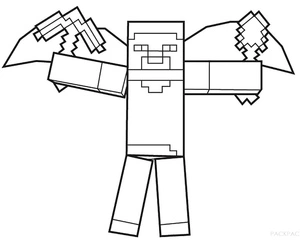
Steve from Minecraft stands ready with his pickaxes in hand, striking a confident pose. Add some life with colors like emerald green for his shirt, denim blue for his pants, and brown for the pickaxes. Encourage shading around his face for a pixel-perfect finish.

Steve stands confidently with his trusty pickaxe, ready for adventure. Use colors like cobalt blue for his shirt and stone gray for the pickaxe. Try using a fine-tip marker for the bold lines to keep the edges crisp.
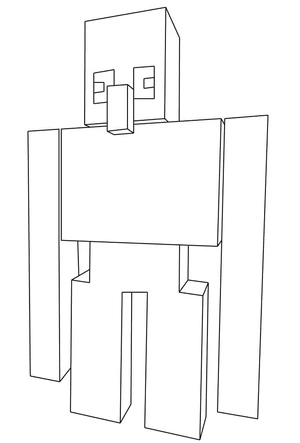
The Iron Golem stands tall with its blocky form, ready to protect villagers. Color its sturdy body with shades of gray and add a touch of green for mossy details. Try shading to give it a 3D effect and bring the Minecraft world to life.

Dr. Trayaurus stands straight with his blocky features in full view. Use shades like light brown for his robe and a hint of gray for his hair. Try adding a background of the Minecraft lab with a touch of green and brown for added depth.
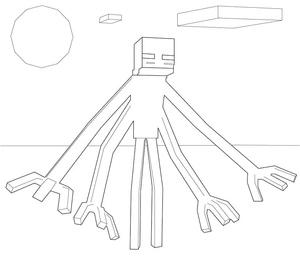
The Enderman Mutant looms large with its extended limbs, casting an eerie presence. Color its blocky body in shades of black and purple. Try adding a glow with light purple or blue around its eyes for a striking effect.
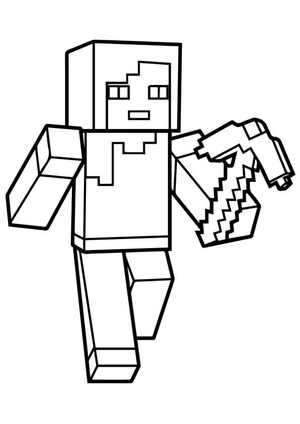
Alex stands ready with a pickaxe, prepared for an adventure in the blocky Minecraft world. Use colors like forest green, stone gray, and deep brown to bring Alex's gear to life. Consider adding a background of pixelated blocks to enhance the scene.
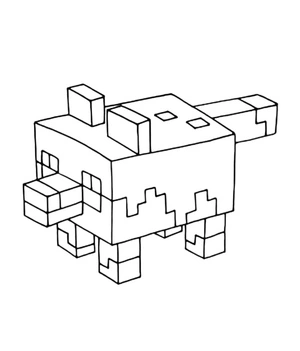
This blocky fox from Minecraft stands ready for adventure. Use bright orange for its body, white for the tail tip, and black for the legs. Try shading with colored pencils for a pixelated effect.
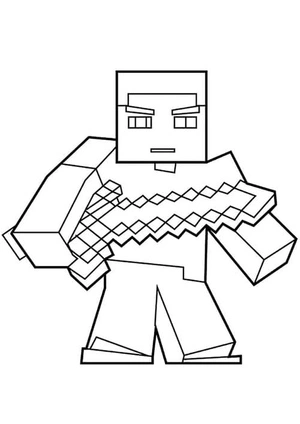
A Minecraft warrior stands ready with his sword, prepared for adventure. Use shades of green, brown, and silver to bring the scene to life. Try shading the sword for a gleaming effect.
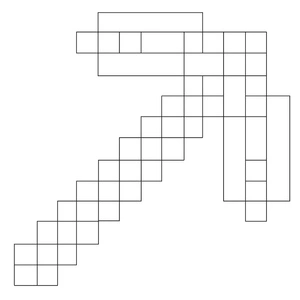
A pixelated pickaxe from Minecraft stands ready for action. Color the handle with a rich brown and the head with a steel gray or bright diamond blue. For a fun twist, try shading each pixel slightly differently to create a cool texture effect.
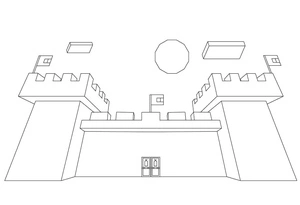
This Minecraft castle stands tall with its grand towers and flags waving in the breeze. Use shades of gray for the stone, and bright red for the flags. Try adding a blue sky to bring your scene to life.

The Ghast floats majestically in the air, its tentacles flowing beneath. Use light gray and soft white to capture its ghostly appearance. Add a touch of blue around the edges for an ethereal glow.
Ready to Start Coloring?
Explore more categories or find your next favorite coloring page!